Tavurexonifingerpost studio
TVX / 01MOBILE APP DEVELOPMENT

PRODUCT DIRECTION FOR THE HANDHELD MOMENT

Make the next
action clear
before it gets lost.

Tavurexoni shapes mobile products for the reality of a moving day: one hand, partial attention, an interrupted task and a person who needs the app to make sense before they have time to study it.

Find the route
PLACEACTIONRETURN
Product designer next to a bold directional sign holding a phone
START WHERE THE PERSON ACTUALLY ARRIVES.

02 / ONE-THUMB SURVEY

Mobile is a place
someone uses while
doing something else.

Choose the context that carries the most pressure. The route below is a design prompt for an ordinary moment, not a claim about a universal user.

HANDHELD CONTEXT

A person is walking, holding something and checking a route

Keep the immediate answer close to the thumb. The product should say where the person is, what changed and what can safely wait until they stop.

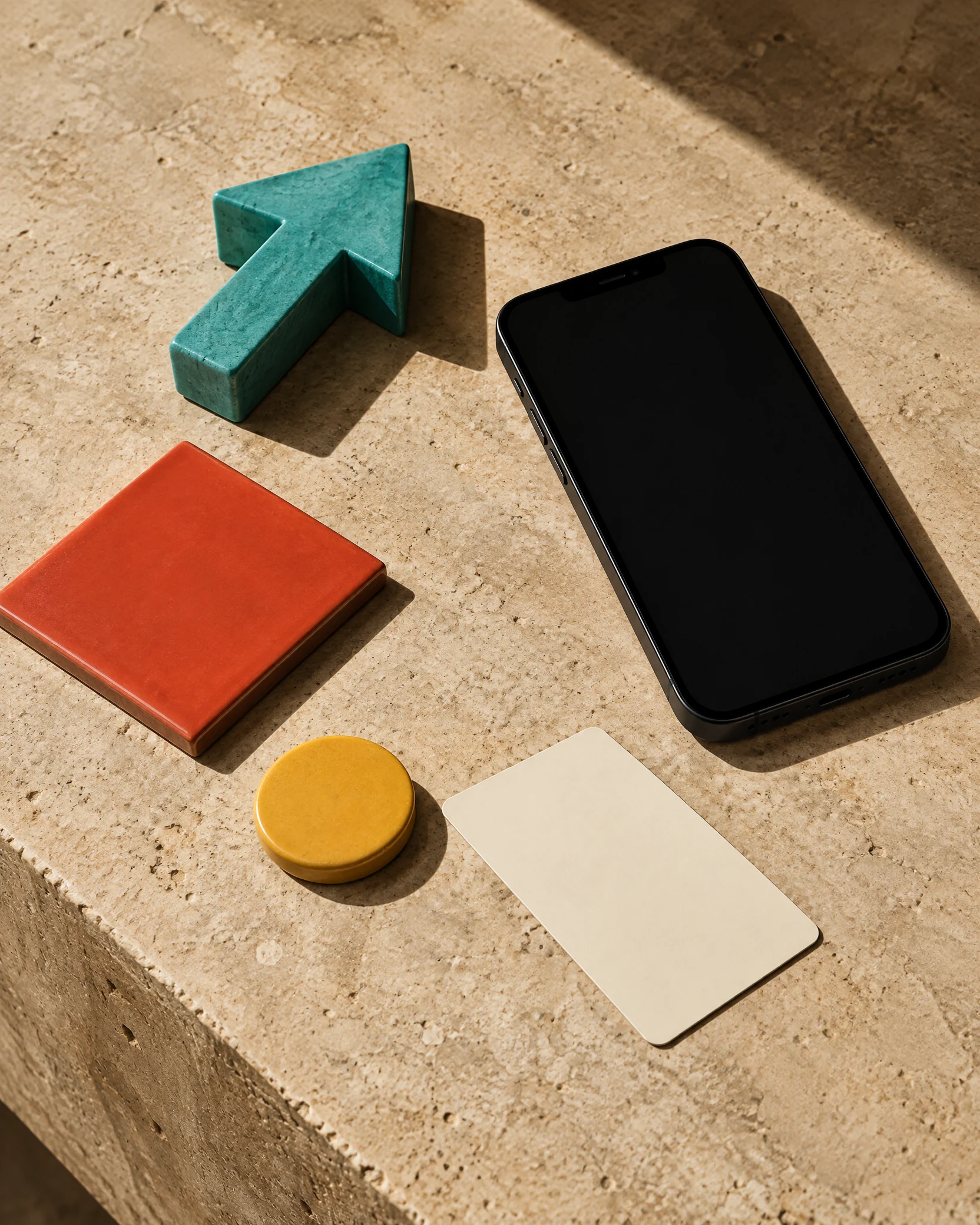
Directional objects arranged as a physical mobile-product route

03 / ROUTE STRIP

A flow is more than
a line between screens.

It is the promise that someone can begin, hesitate, make a mistake, receive a message and still understand how to proceed. We map those conditions before we make the interface look complete.

YOU ARE HEREState the place.

Give the person a clear orientation before asking for an action.

MAKE A MOVEOffer one visible next.

Let the primary action be reachable and understandable at a glance.

RETURN ROUTELeave a way back.

Keep the work and context intact when the task changes shape.

04 / MESSAGE BEACON

Say what changed
without blocking the street.

Two product professionals reviewing a physical customer journey wall
A MESSAGE SHOULD GIVE CONTEXT BEFORE DEMANDING ATTENTION.
01

Signal

State the event in language that belongs to the person’s task, not the system’s internal state.

02

Choice

Offer a next action only when it is timely, safe and worth interrupting for.

03

Quiet

Let the product keep an honest record without turning every condition into a notification.

05 / INTERRUPTION PLATFORM

Design for the
moment the route
gets broken.

Mobile work is interrupted by a doorbell, a meeting, a train, a child, weak signal or a second thought. Move the dial to see the kind of recovery prompt a product can prepare.
BRIEFPAUSEDDISPLACED
PAUSED / KEEP THE CONTEXT WARM

Preserve the important state, show what remains and let the person re-enter without asking them to remember every earlier choice.

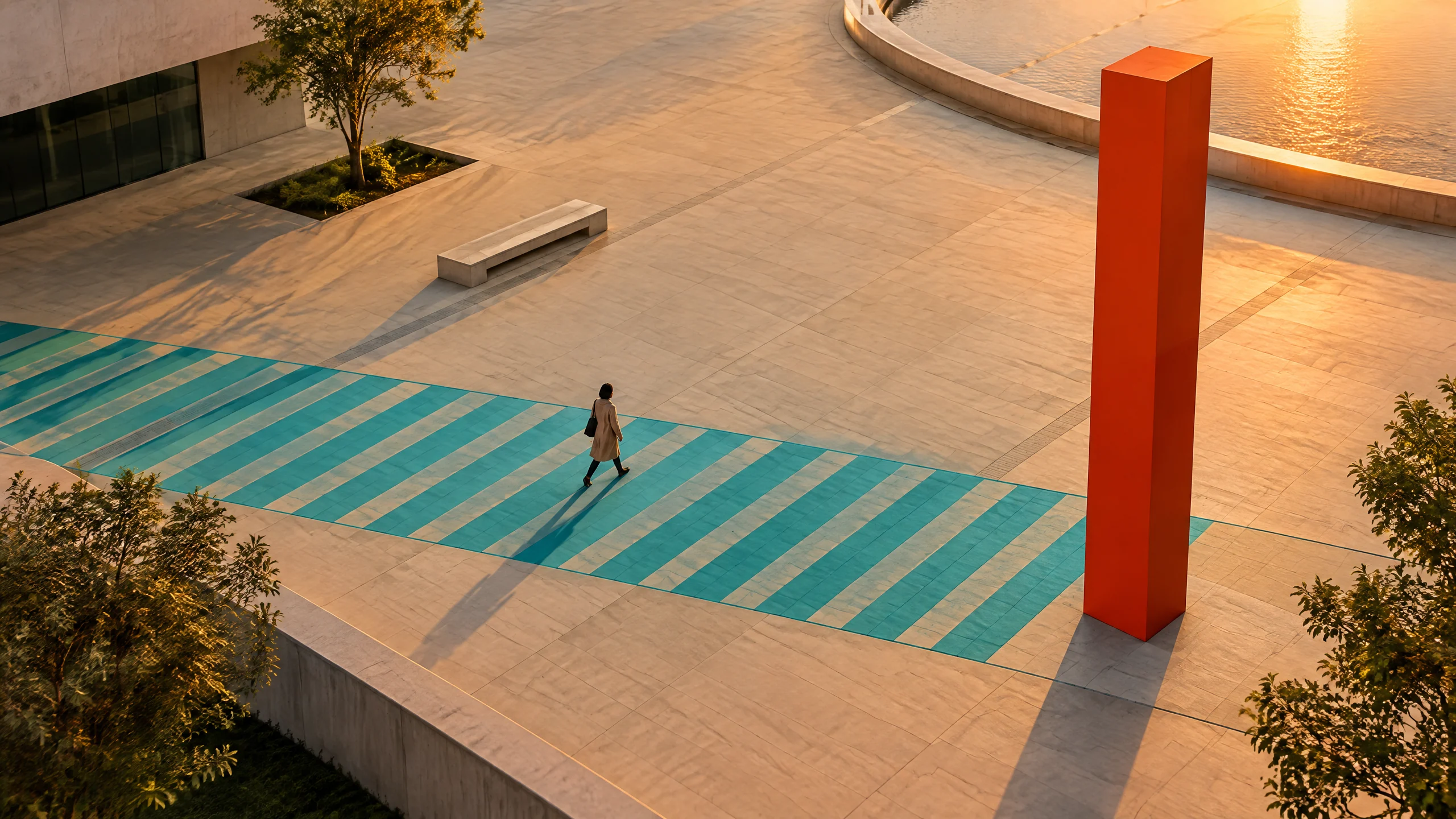
Person crossing a turquoise path in a contemporary plaza
RECOVERY IS PART OF THE PRODUCT, NOT A FAIL STATE.

06 / FIELD NOTES

Go outside the
ideal user story.

A mobile product meets places, hands, weather, time pressure, signal loss and social context. Tavurexoni uses small field observations to make a better problem statement before a team builds a larger set of screens.

Hand placing a marker on an abstract route map
OBSERVE THE CONDITIONS, NOT JUST THE TAP.
NOTICEWhat occupies the hand?

Bag, ticket, cup, child, tool or simply the need to stay steady.

ASKWhat does the person already know?

Do not force the app to reintroduce a place, preference or task it could respectfully remember.

PROTECTWhat should survive a pause?

Keep the work that a person would reasonably expect to find again.

07 / CROSSING TABLE

Accessibility is a
route more people can take.

It includes contrast, language, screen reader structure, touch target size, motion, error recovery and the simple dignity of knowing what will happen next.

Reach

Give key actions a comfortable target and enough space to be chosen without accidental pressure.

Read

Build contrast and hierarchy into the route so the next action is not hidden inside decoration.
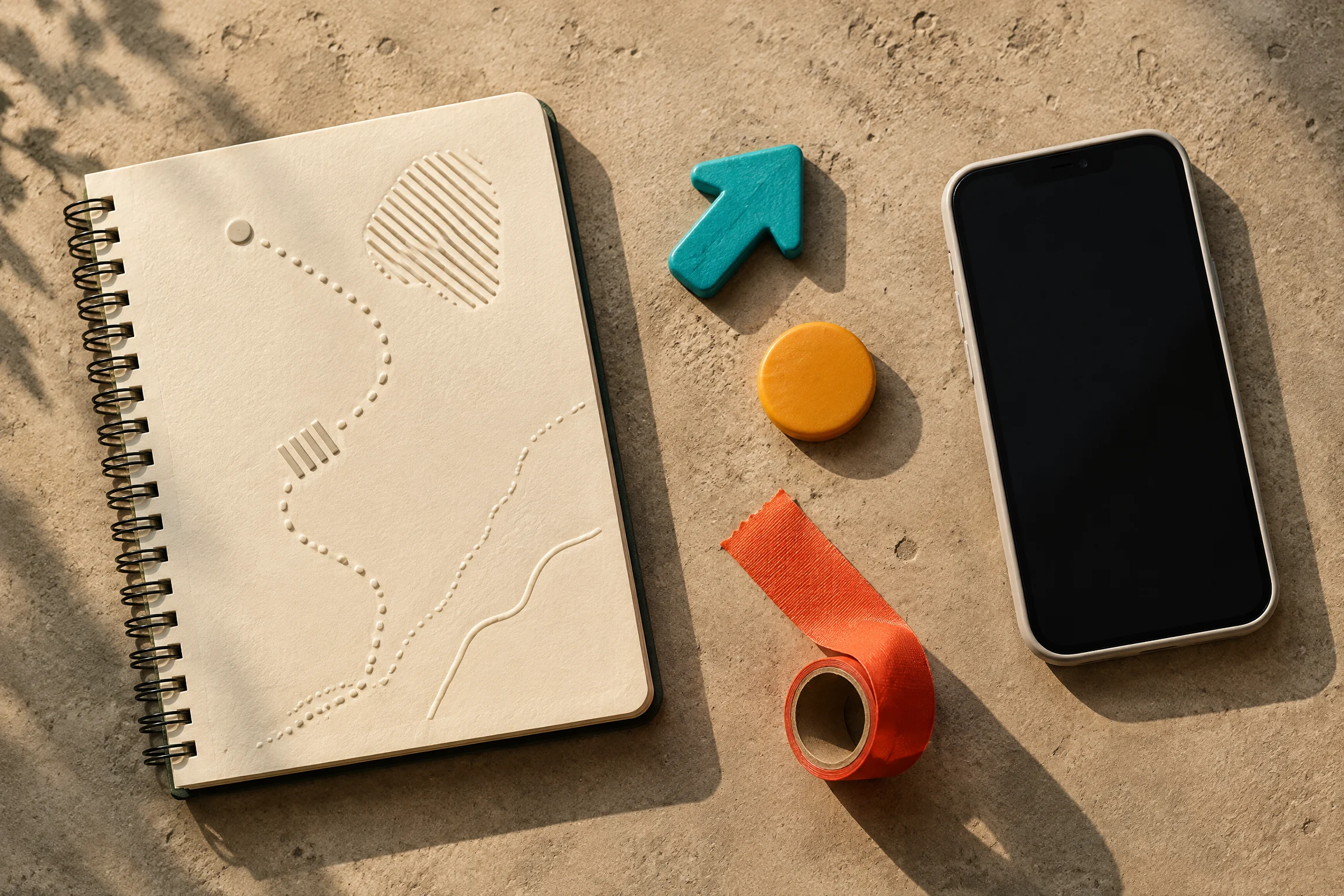
Mobile field notebook and directional token objects
CLARITY IS A FEATURE FOR THE WHOLE STREET.

Recover

Explain errors and let a person retain their work instead of making them begin again without context.
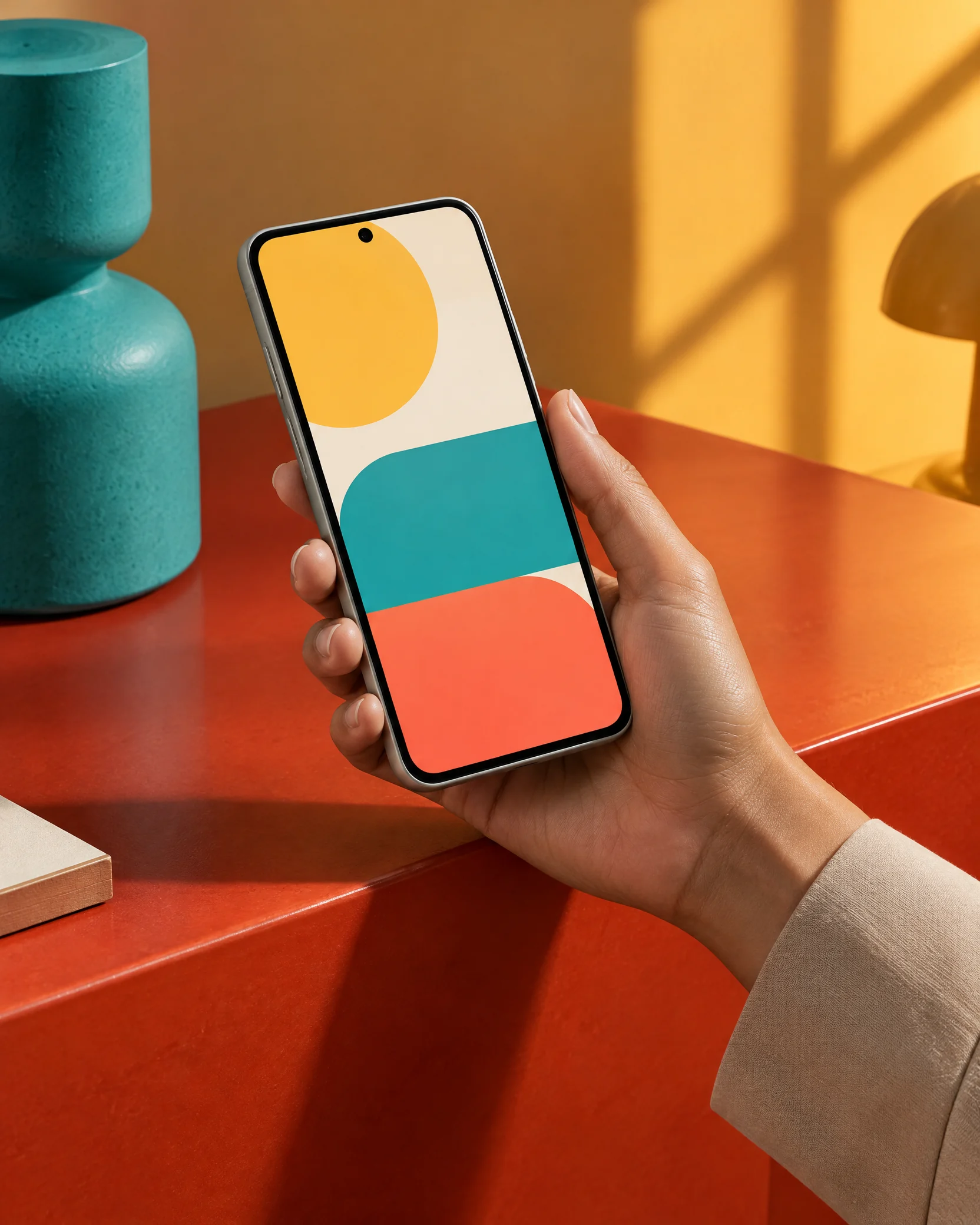
Hand using an abstract mobile interface in a product studio

08 / RELEASE COUNTER

Release a route
you can still read.

A release is not the end of a product conversation. It is a chance to see the real task, make the next improvement smaller and hand the future team something more useful than a list of hoped-for outcomes.

BEFORE RELEASE: PROTECT THE ROUTE

Review the first action, the return path, the empty condition and the moment a person has less attention than the team expects.

09 / FAQ KIOSK

Questions with
a clear answer.

Tavurexoni is suited to mobile products that need a clearer task route: a new app concept with a real everyday use case, an existing flow that becomes difficult away from a desk, a release that needs more intentional recovery and explanation, or a product system that has outgrown its screen-by-screen decisions. The best starting point is a real mobile moment with a specific pressure, not a generic request for more features.

The studio approaches design and development as connected decisions. A project may begin with product framing, user-route work, interaction design, a focused prototype, native or cross-platform development, technical integration or a measured handoff to an existing team. The appropriate route depends on the product’s context, maintenance needs, available collaboration and the question that needs the most clarity first.

Accessibility is considered in the route itself, not added as a late compliance layer. That means looking at hierarchy, contrast, tap targets, language, dynamic type, screen-reader semantics, motion, loading conditions, error recovery and interruption. The aim is to help more people complete the task with confidence while also creating a product that is clearer and more resilient for everyone using it.

Bring the mobile moment that currently feels unclear: a task someone abandons, an interruption the product handles poorly, a message that asks too much, a new feature idea or a release that needs structure. Sketches, existing screens, a product note or a short scenario can help, but polished materials are not required. The useful part is the lived context around the action.
People reviewing mobile product accessibility materials at a studio counter
BRING THE HANDHELD MOMENT, NOT A PERFECT BRIEF.

10 / PROJECT COUNTER

Put the mobile
moment on the counter.

Describe the situation your product needs to handle. This is an enquiry, not an automated appointment or a commitment to a project.


Quiet evening street marker in a contemporary city space
TVX / FINGERPOST STUDIO

A good mobile route
knows how to return.

Return to street entrance